The AI robot for your TikTok Live
TalkiToon turns your smartphone into an interactive AI co-host: it reads the live chat, answers viewers by voice, says thank you for gifts and keeps your stream alive – even if you're new to streaming.
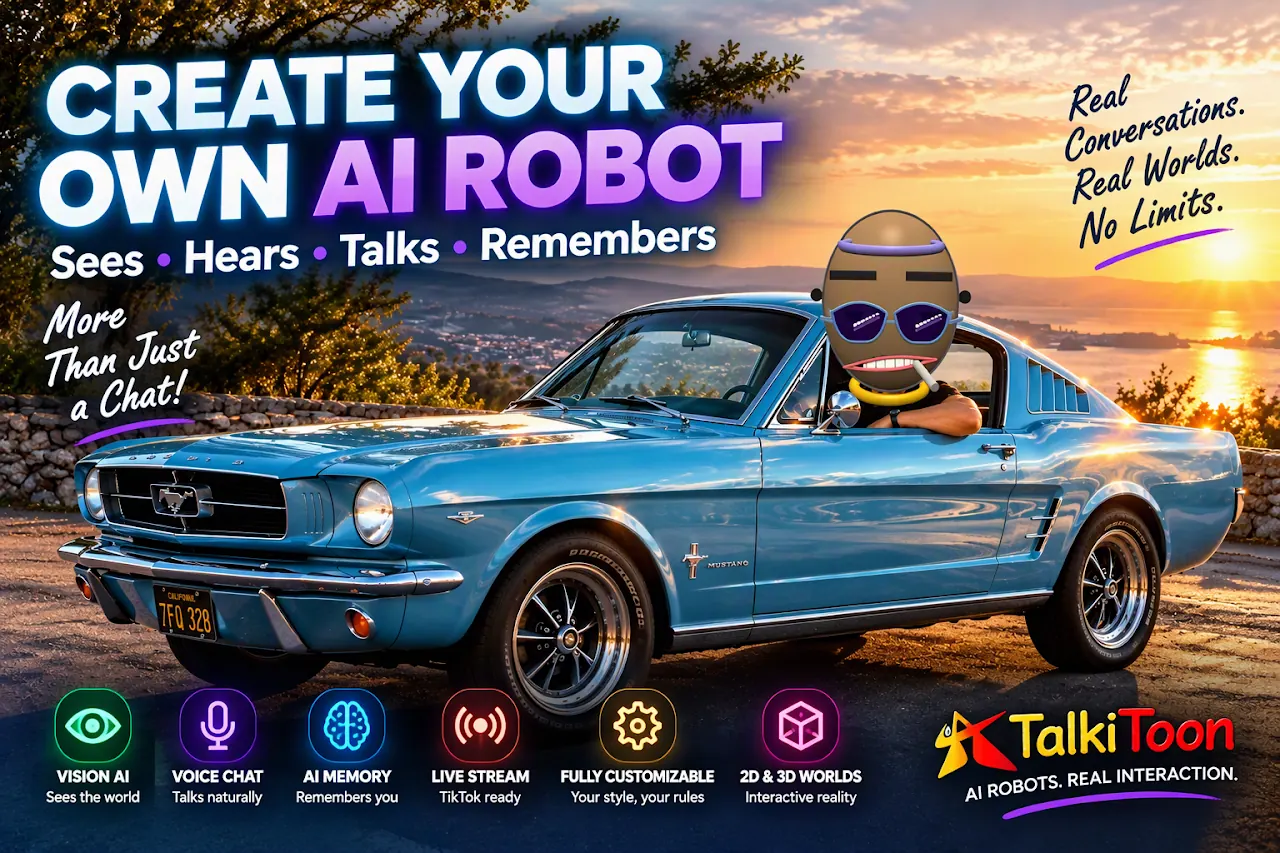
What your AI co-host does live
Real interaction instead of a silent stream – your robot reacts to the audience in real time.
Reads the live chat
Messages from viewers are read and answered naturally by voice.
Reacts to viewers
The robot responds to audience activity and gets people talking.
Thanks for gifts
Every gift gets a personal thank you – viewers feel seen.
Welcomes followers
New followers are greeted and engaged automatically.
Talks with you
You, the camera, real objects and the live chat – all at the same time.
AI vs. AI shows
Two robots on two devices debate topics live – content that keeps viewers watching.
Set up in 4 steps
Install TalkiToon
Download the free app from Google Play.
Create your host
Give your robot a personality that fits your channel – funny, cool, informative.
Go live
Start your TikTok Live and connect your robot as described in the app.
Interact
Talk with your robot and your viewers – the AI takes care of chat and thank-yous.
Tips for more viewers in your live stream
- Give your robot a clear role (quizmaster, comedian, coach) – this makes your stream recognisable.
- Use backgrounds that match your topic – the robot talks about the scene as if it were there.
- Plan interactive formats: questions to the robot, voice games, AI-vs-AI debates.
- Stream regularly at the same time – consistency helps the algorithm and your community.
- Share your best robot moments as short clips and link your website in your bio.
Frequently asked questions
Is an AI co-host allowed on TikTok Live?
Do I need a PC or OBS?
Does the robot understand my language?
What does it cost?
Make your next live stream unforgettable
Free on Google Play – create your first robot in less than a minute.